Related News
- 00
0000-00
How to Specify a Quay Crane for Container Terminals by Vessel Size and Throughput? - 00
0000-00
Which Bulk Handling Equipment Suits High-Moisture Cargo? - 00
0000-00
Terminal Automation Technologies That Raise Container Throughput Without Yard Disruption - 00
0000-00
Planning Offshore Dredging Operations: Key Risks, Methods, and Project Controls - 00
0000-00
Where Do Automated Guided Vehicles Deliver the Fastest Warehouse Gains in the Middle East?
What automated gear for ports cuts downtime fastest?
For terminal operators and equipment users, choosing the right automated gear for ports can be the fastest way to cut downtime, reduce manual errors, and keep cargo moving under pressure. From smart cranes to AGVs and control systems, the real advantage lies in how quickly each solution restores flow, improves coordination, and prevents costly stoppages across busy port operations.
In real terminal conditions, downtime rarely comes from one machine alone. It usually builds from 3 linked issues: delayed equipment response, poor handoff between quay and yard, and slow fault diagnosis. That is why automated gear for ports should be judged not only by peak productivity, but by how fast it shortens recovery time after disruptions.
For users on the ground, the best automation choices are practical ones. They reduce unplanned stops, stabilize moves per hour, and make daily operations easier within 1 shift, 1 week, and 1 maintenance cycle. This article looks at which systems typically cut downtime fastest, where they work best, and how operators can select them with fewer procurement mistakes.
Which automated gear for ports delivers the fastest downtime reduction?
Not all automation has the same effect speed. Some equipment cuts downtime immediately by preventing human bottlenecks, while other systems create gradual gains over 3–6 months through better scheduling and predictive maintenance. For most terminals, the fastest results usually come from solutions that improve equipment visibility, travel coordination, and remote recovery.
The 4 categories that usually show measurable impact first
When port users ask what automated gear for ports cuts downtime fastest, the answer often starts with four equipment groups: automated stacking cranes, AGVs or terminal tractors with guidance systems, remote-controlled quay cranes, and integrated terminal operating plus equipment control systems. These are the assets most closely tied to vessel turnaround and yard flow.
- Remote-controlled quay cranes reduce operator transfer delays and can restore operations in minutes rather than waiting for full cab reassignment.
- AGVs and guided horizontal transport reduce queue conflicts, especially across 200–800 meter transfer routes.
- Automated stacking cranes improve yard slot precision and lower rehandles, often by 10%–25% in repetitive blocks.
- Control systems cut downtime by detecting faults, rerouting tasks, and balancing equipment loads in near real time.
Why control systems often outperform single machines
A new machine may remove one bottleneck, but a control layer can shorten stoppages across the entire terminal. If one AGV lane is blocked or one crane slows down, a good control platform can reassign missions within seconds, isolate the faulted asset, and keep the other 80%–90% of the operation active instead of letting a local issue become a terminal-wide delay.
This is especially relevant in ports where the main cost of downtime is not repair itself, but the knock-on effect: truck queues, berth congestion, missed cut-off times, and vessel idle hours. In those environments, automated gear for ports should be evaluated by recovery logic as much as by hardware capability.
The comparison below shows where operators typically see the fastest operational benefit from different automation investments.
The key takeaway is that software-enabled coordination often produces the fastest visible reduction in downtime, while hardware automation delivers deeper gains over a longer period. In many terminals, the best approach is not choosing one over the other, but sequencing them in the right order.
How operators should judge automation speed in daily port scenarios
Port users do not experience downtime as a single KPI. They experience it as waiting, rework, alarms, idle transport, and vessel pressure. So the right automated gear for ports should be assessed in live operating scenarios, not only in brochure specifications.
Scenario 1: Quay-side interruption during vessel peaks
If the terminal loses continuity at the quay, every lost minute can affect berth productivity. In this case, remote crane operation, anti-sway assistance, and automated mission sequencing often provide the fastest relief. Even a 5%–12% reduction in crane waiting time can help protect vessel schedules during short but intense loading windows.
Scenario 2: Yard congestion and rehandle growth
In the yard, downtime may look like blocked lanes, double handling, or equipment standing idle while instructions are reissued. Automated stacking and smart yard allocation can reduce wasted movement over 1–3 blocks at a time, especially where container dwell patterns are predictable within 24–72 hours.
Scenario 3: Fault detection and restart delays
A common hidden loss is not the breakdown itself but the time needed to identify the cause. Digital condition monitoring, alarm prioritization, and remote diagnostics shorten this delay. For example, when sensors track motor temperature, brake condition, travel position, and power fluctuation, maintenance teams can often narrow fault checks from 10 inspection steps to 3 or 4.
The operator checklist before buying
- Can the system recover operation within 5–15 minutes after a local interruption?
- Does it reduce handoff delays between at least 2 equipment types?
- Will users need 2 days or 2 months of retraining?
- Can maintenance staff diagnose faults remotely before going on-site?
- Does the supplier support phased integration rather than all-at-once switchover?
Selection criteria: which automated gear for ports fits your terminal first?
The fastest downtime cut does not always come from the most advanced system. It comes from the system that addresses your largest recurring failure point. A terminal handling mixed cargo, for example, may need automation in transport logic before it invests in full yard robotics.
Match the gear to the bottleneck, not the trend
Before purchasing automated gear for ports, operators should define whether the biggest delay comes from berth execution, yard density, horizontal transport, maintenance response, or dispatch visibility. Each problem has a different priority path, and forcing the wrong automation layer can add complexity without reducing stoppages.
The matrix below can help users compare the first automation move based on operating symptoms rather than vendor language.
This comparison shows a practical rule: buy the layer that removes repeated waiting first. In many ports, waiting creates more cumulative downtime than hard breakdowns, especially across a 12-hour or 24-hour operating cycle.
4 technical points users should not ignore
- Communication stability: low-latency links are essential for remote control and fleet coordination.
- Redundancy logic: critical operations should have fallback modes during network or sensor failure.
- Maintenance access: automated systems still need clear service zones and fast spare-part replacement.
- Operator interface quality: poor screen design can erase automation gains in less than 1 shift.
Implementation mistakes that slow results instead of cutting downtime
Even strong automated gear for ports can fail to reduce downtime quickly if rollout is rushed or disconnected from field practice. Most delays after installation come from integration gaps, unclear standard operating procedures, or user resistance caused by weak training.
Mistake 1: Automating an unstable process
If handoff points, lane discipline, or container data quality are already inconsistent, automation may simply make errors happen faster. A 2–4 week process audit before deployment is often more valuable than adding extra features later.
Mistake 2: Measuring only throughput, not recovery time
Some projects focus on moves per hour but ignore restart performance after an interruption. Users should track at least 4 operational indicators: mean time to detect, mean time to isolate, mean time to restart, and handoff delay per mission. These measures reveal whether the system is truly cutting downtime.
Mistake 3: Undertraining the shift team
A technically sound system can still underperform if operators need too many manual overrides. Training should include simulation, alarm response, fallback mode use, and maintenance coordination. In many ports, 3 training layers work best: control room staff, equipment technicians, and shift supervisors.
A practical 5-step rollout path
- Map the top 3 downtime sources over the last 30–90 days.
- Select one high-impact automation layer linked to those losses.
- Run a phased integration on one berth, one block, or one fleet segment.
- Measure recovery time, exception rate, and user adoption weekly.
- Scale only after stable results across at least 2 operating cycles.
This phased method is often more effective than a full terminal switchover. It protects cargo flow, gives maintenance teams time to adjust, and lets operators verify whether automated gear for ports is truly improving daily reliability.
What users should ask suppliers before making a purchase
For buyers and end users alike, the right supplier discussion should focus on downtime logic, not generic automation claims. A useful vendor conversation explains how the equipment behaves during faults, overloads, communication loss, and mixed manual-automatic operation.
Questions that reveal real operational value
- What is the recommended response path if one unit loses communication for 30–60 seconds?
- How many interfaces are required with the terminal operating system and maintenance platform?
- What spare parts are typically needed within the first 12 months?
- Can the system run in hybrid mode while part of the terminal remains manual?
- What alarm events can be handled remotely, and which require on-site intervention?
Procurement advice for PS-Nexus readers
For operators following global trends in port equipment, the most valuable insight is often comparative rather than promotional. Heavy terminal gear, automated container handling, and control platforms should be reviewed as connected systems. The winning investment is usually the one that strengthens the terminal’s weakest coordination point first, then builds toward wider automation in stages.
The fastest downtime reduction usually comes from a combination of smart dispatch, visible diagnostics, and equipment that can recover gracefully when exceptions appear. For some ports that means remote crane control first. For others, it means AGV routing, yard automation, or a stronger control backbone.
If you are evaluating automated gear for ports and need a more practical selection path, now is the time to compare operating scenarios, integration demands, and maintenance readiness before committing capital. Contact PS-Nexus to get a tailored solution review, discuss equipment details, or explore more port automation strategies built around real operational uptime.
Related News
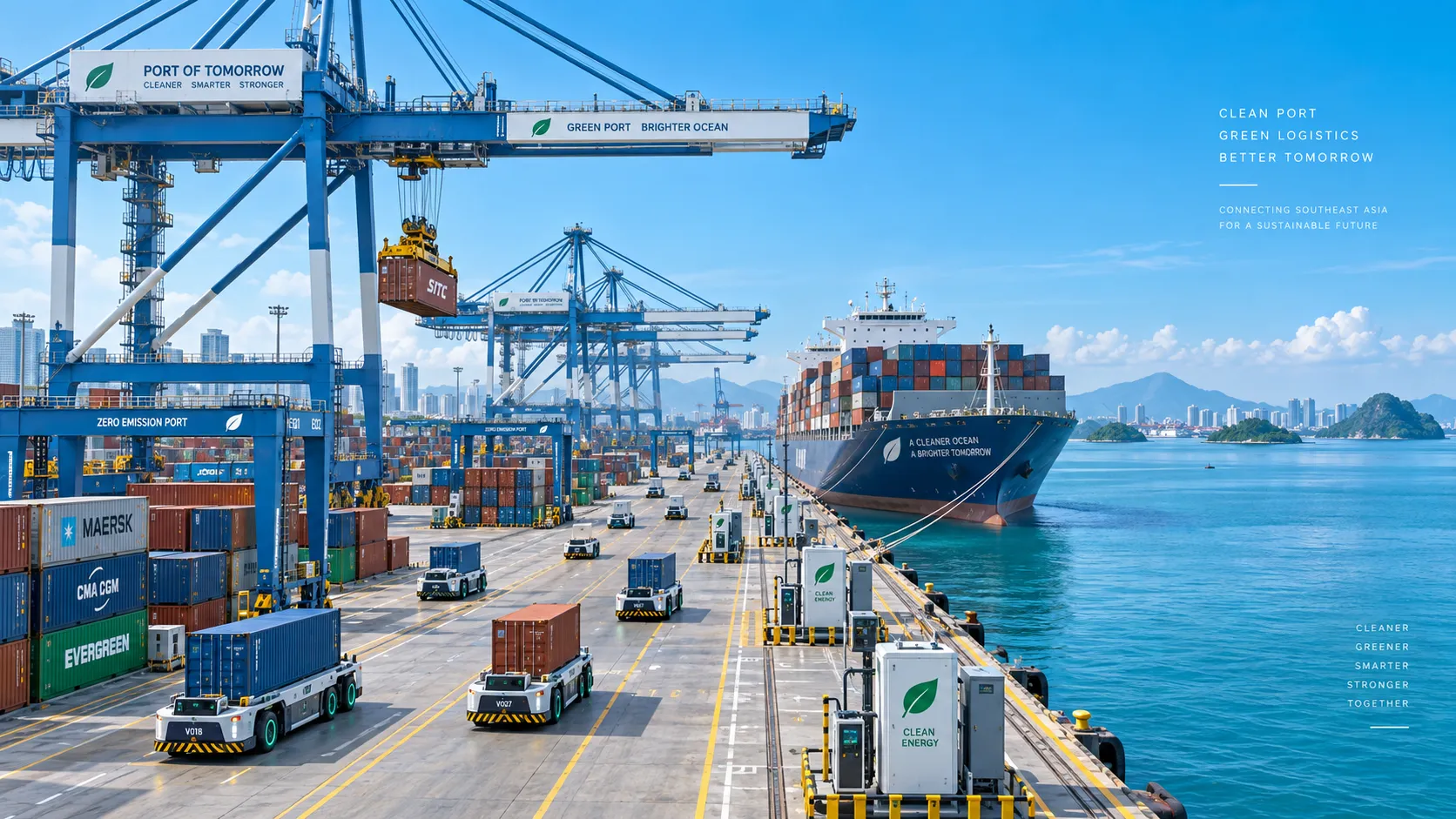
Smart Port Systems in Southeast Asia: Investment Priorities and Adoption Barriers
Smart port systems Southeast Asia: discover investment priorities, adoption barriers, and practical steps to build resilient, connected, high-performing terminals.
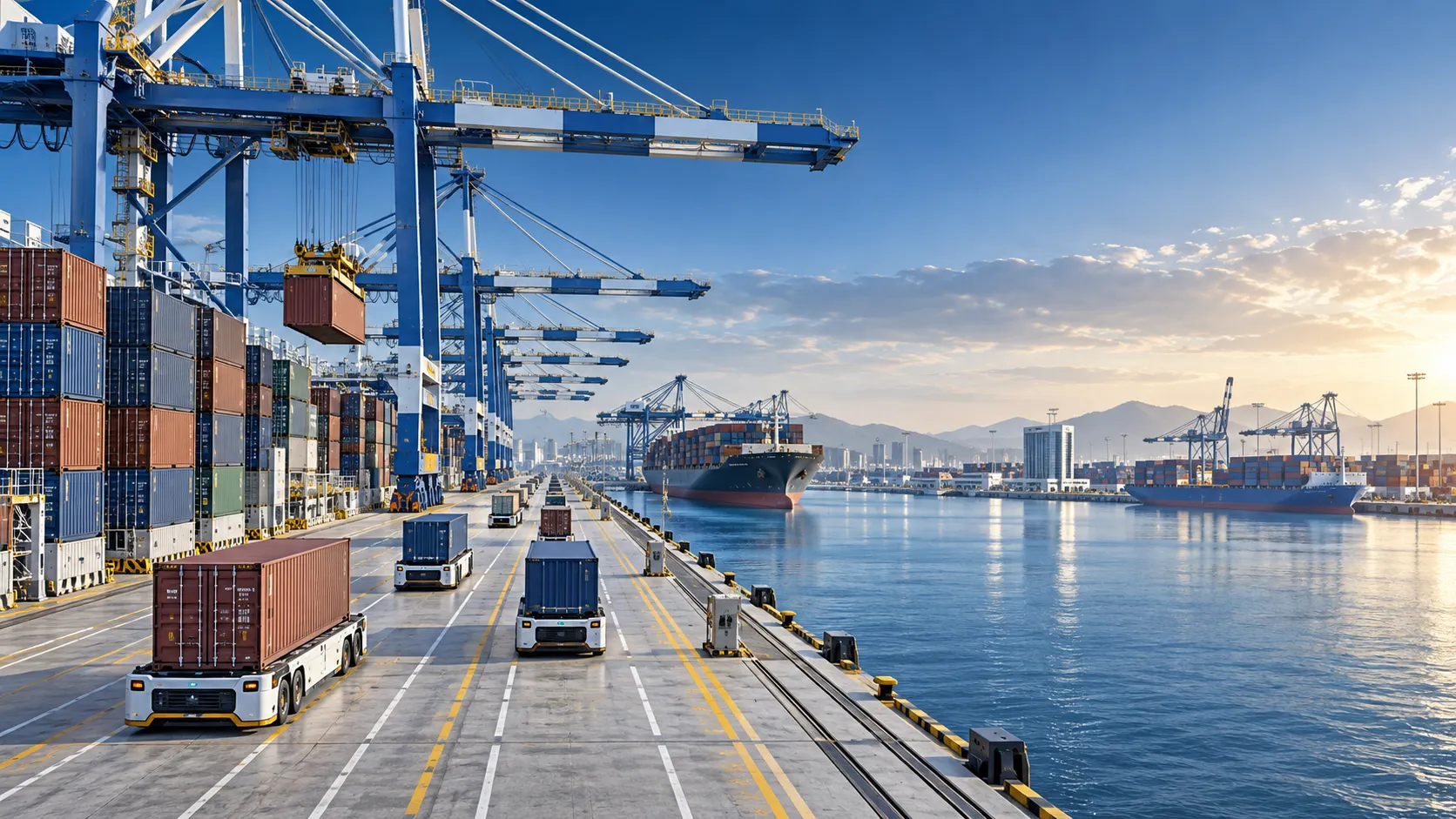
How to Evaluate Terminal Efficiency Solution Suppliers for High-Throughput Operations
Choose a terminal efficiency solutions supplier with confidence. Explore proven criteria for throughput, integration, lifecycle cost, safety, and reliable delivery.
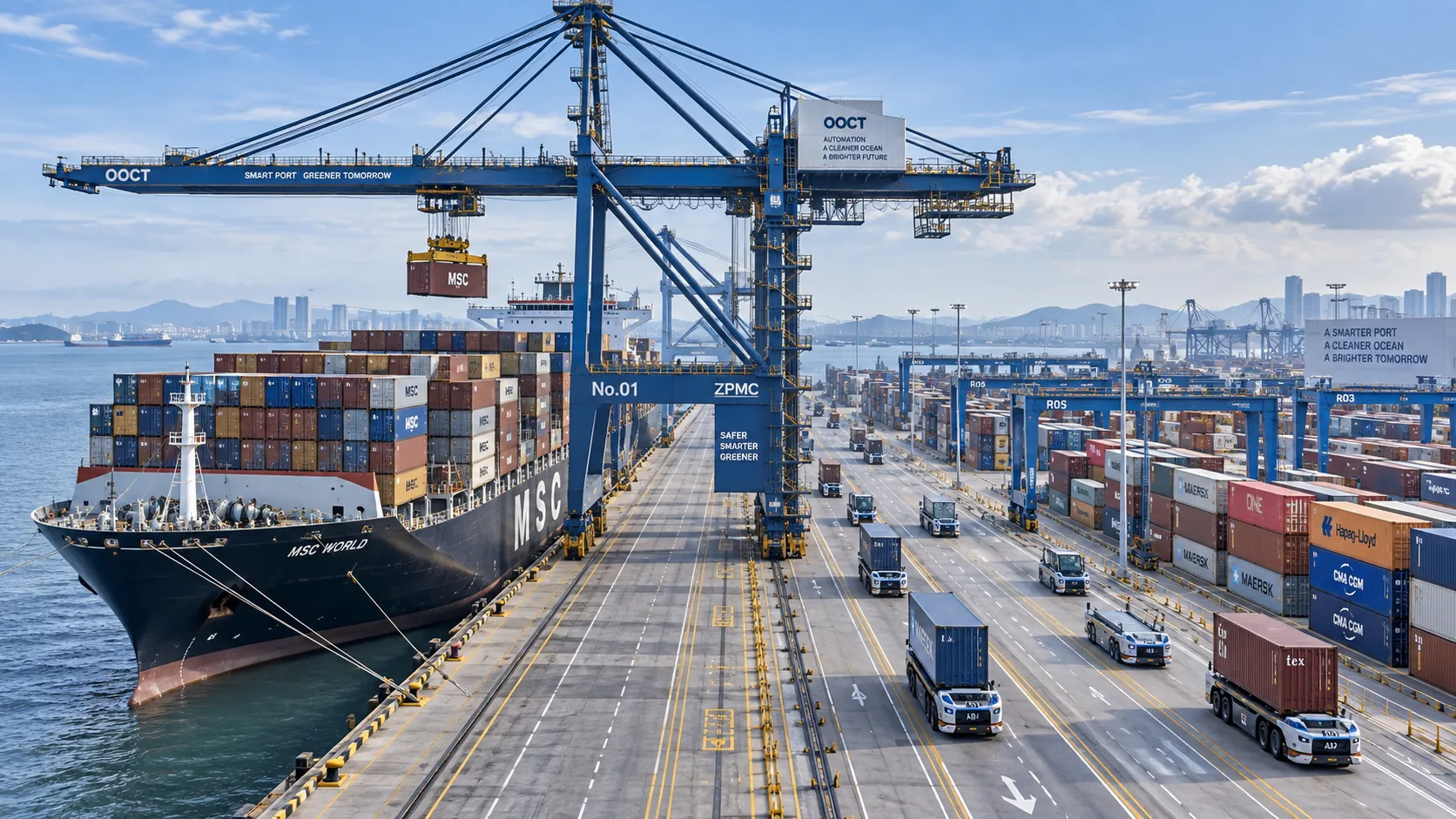
How to Specify a Quay Crane for Container Terminals by Vessel Size and Throughput?
Quay crane for container terminals: learn how to match outreach, lift height, capacity, automation, and cycle performance to vessel size and throughput goals.
What Dredging Equipment Is Needed for Channel Deepening?
What dredging equipment is needed for channel deepening? Explore dredgers, pipelines, survey tools, and planning strategies for safer, more efficient port access.
Which Bulk Handling Equipment Suits High-Moisture Cargo?
Which bulk handling equipment suits high-moisture cargo? Compare belt, apron, screw, drag, and slurry systems for reliable flow, less carryback, and higher terminal uptime.
How Can Port Equipment Lead-Time Risk Be Managed?
How can port equipment lead-time risk be managed? Explore practical strategies to control critical paths, suppliers, transport, site readiness, and commissioning delays.
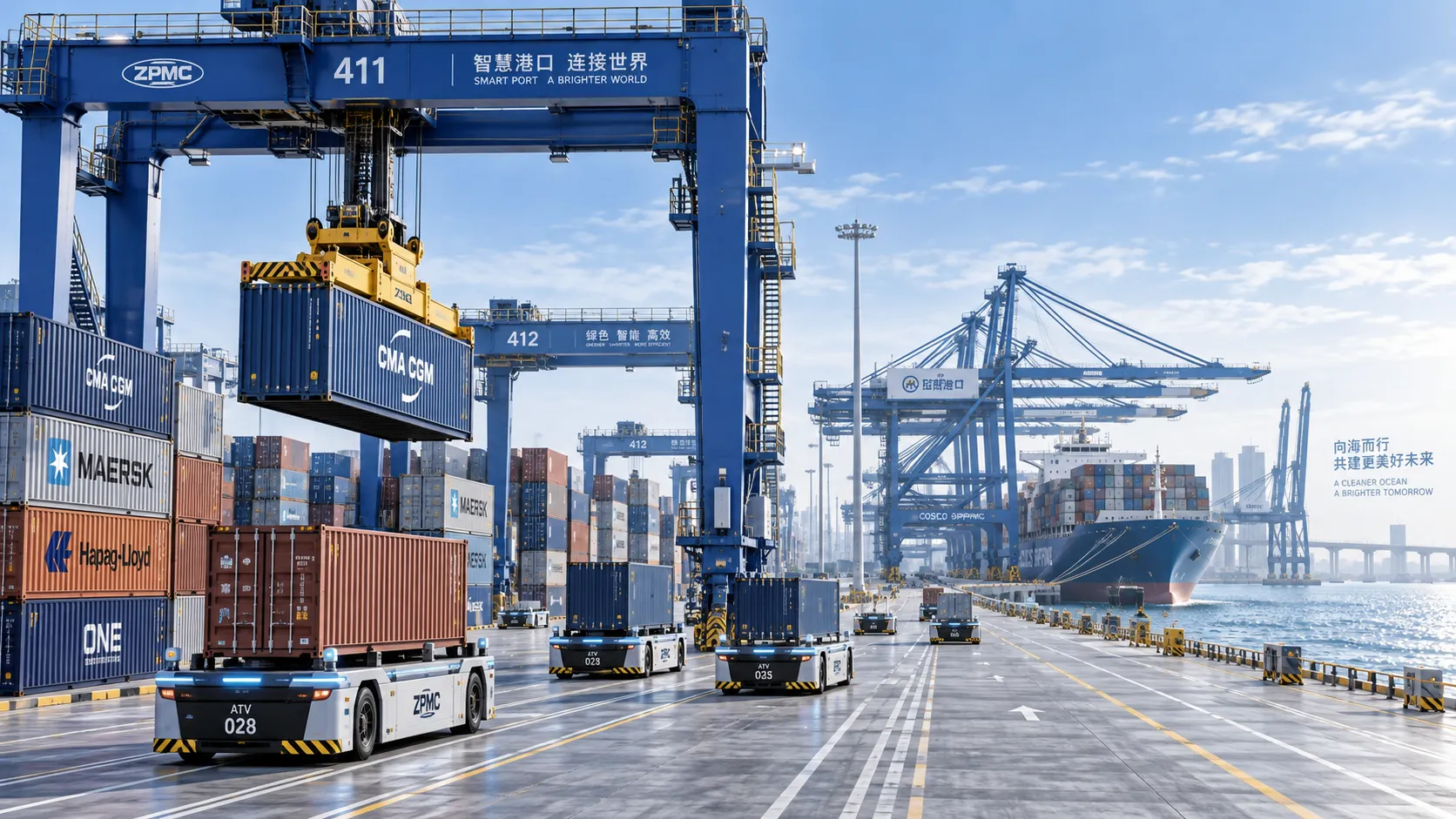
Terminal Automation Technologies That Raise Container Throughput Without Yard Disruption
Terminal automation technology that increases container throughput without disrupting yard flow. Explore smarter integration, resilient workflows, and phased deployment strategies.
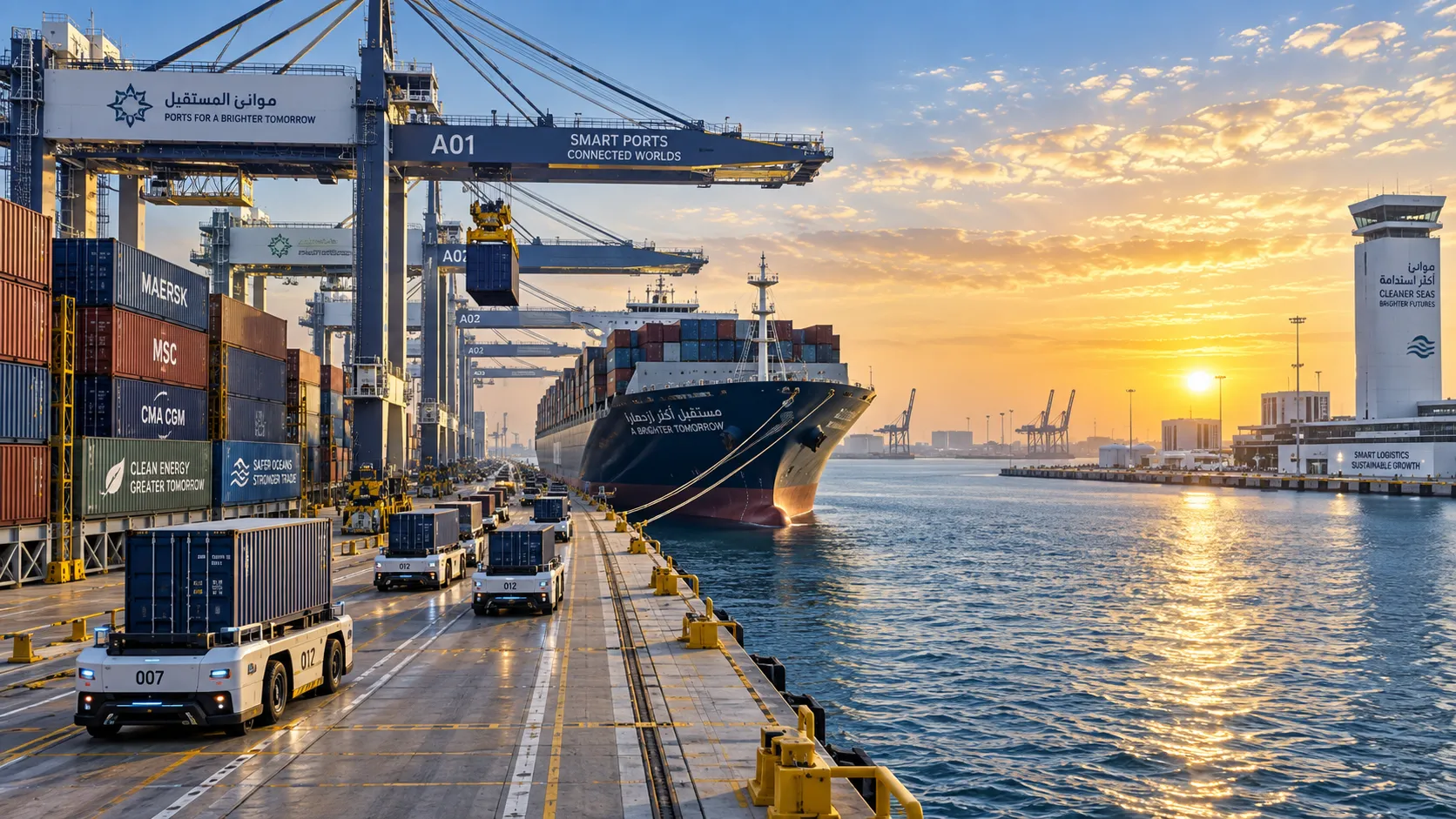
Middle East Port Automation: Key Market Drivers, Projects, and Investment Risks
Port automation systems Middle East: explore market drivers, flagship projects, integration challenges, and investment risks shaping smarter, resilient terminals.
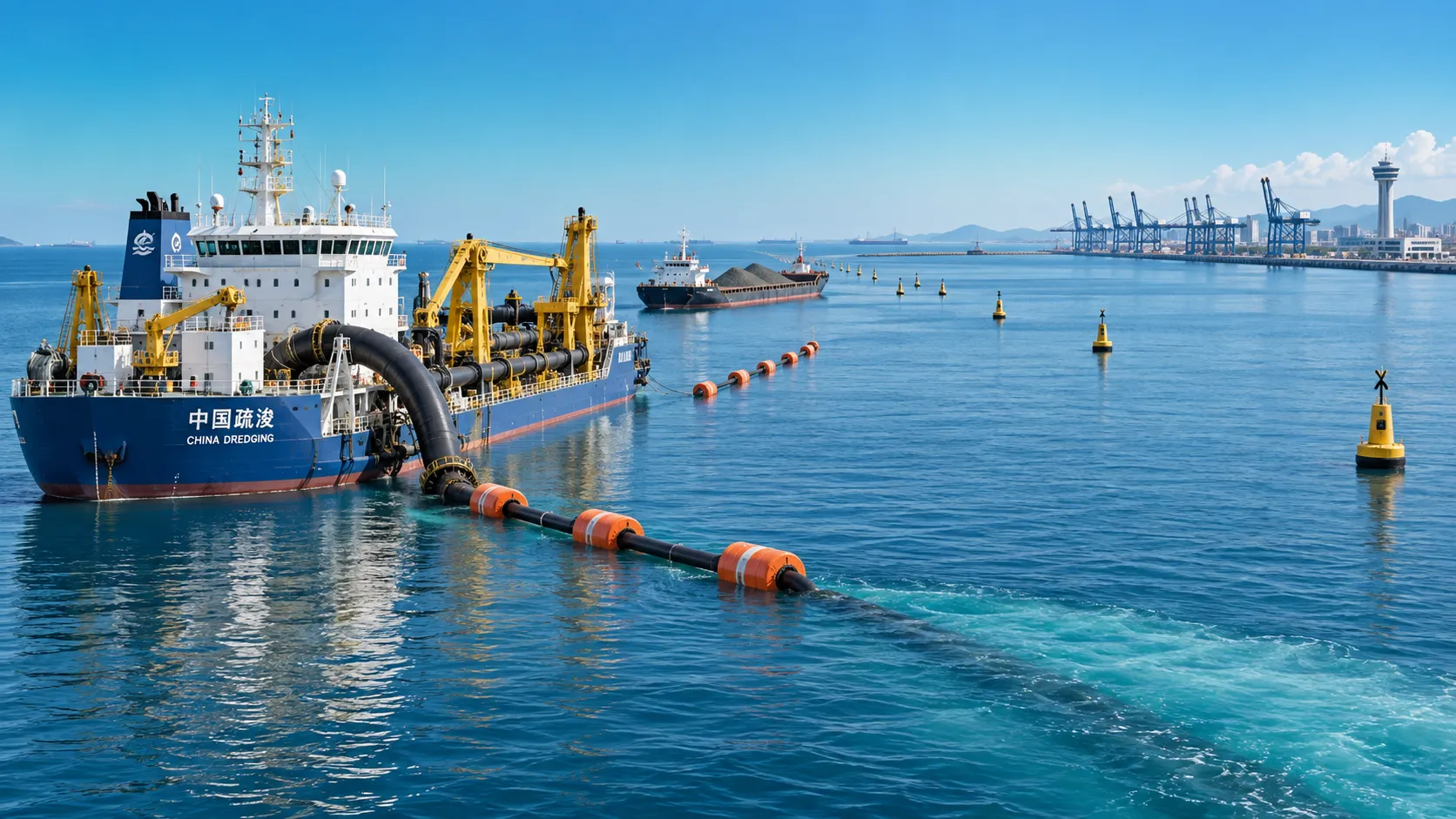
Planning Offshore Dredging Operations: Key Risks, Methods, and Project Controls
Offshore dredging operations demand smart planning. Explore key risks, proven methods, environmental controls, and project strategies for reliable delivery.