Related News
- 00
0000-00
Port Equipment Automation Maintenance Issues You Can Prevent Early - 00
0000-00
Automated Port Systems: Common Integration Problems to Expect - 00
0000-00
Port Automation Solutions That Reduce Manual Handoffs - 00
0000-00
Marine Geotechnic Risks That Can Delay Coastal Projects - 00
0000-00
Smart Operations Rollouts: Common Mistakes in Early Stages
Port Automation Solutions That Reduce Manual Handoffs
Port automation solutions are reshaping daily terminal operations by reducing manual handoffs, cutting delays, and improving coordination across cranes, AGVs, yards, and control rooms. For operators and frontline users, the real value lies in safer workflows, clearer task visibility, and faster response to changing cargo demands. This article explores how integrated systems help ports boost efficiency while supporting smarter, more reliable handling processes.
In practical terminal environments, manual handoffs often occur at 4 to 7 critical points: vessel planning, quay crane dispatch, horizontal transport, yard assignment, gate release, and exception handling. Each extra phone call, spreadsheet update, or radio confirmation can add 2 to 10 minutes to a move cycle. For operators, that creates avoidable waiting time, rework, and higher safety exposure.
For an intelligence platform like PS-Nexus, the value of port automation solutions lies not only in advanced control logic, but in how those systems connect heavy terminal equipment, scheduling data, and operator decisions into one coordinated flow. When cranes, AGVs, terminal operating systems, and remote control rooms share the same operational picture, daily work becomes more predictable and less dependent on manual intervention.
Why Manual Handoffs Still Slow Down Modern Ports
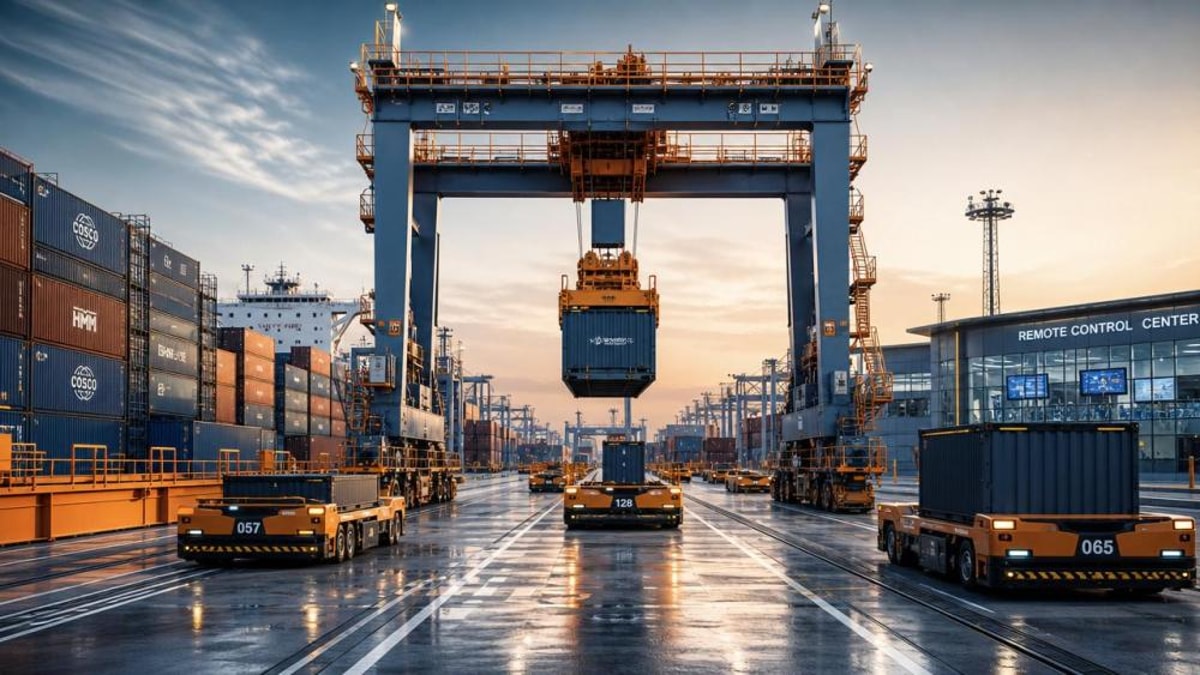
Even ports with modern cranes and digital dashboards can still rely on fragmented communication. One team may confirm a container move through a terminal operating system, while another waits for radio clearance or an updated yard list. These disconnected steps create latency between machine readiness and operator action, especially during peak windows such as vessel arrival, shift change, or yard congestion.
In a typical container terminal, a manual handoff does not always look dramatic. It may be a driver waiting 90 seconds for a lane assignment, a crane operator checking two separate screens, or a yard planner manually resolving conflicts every 15 to 30 minutes. Small pauses multiply quickly. Across 1,000 to 3,000 daily moves, even a 1-minute delay per move becomes a major capacity issue.
Common sources of operational friction
Most frontline bottlenecks come from three areas: data latency, role separation, and inconsistent exception handling. Operators often receive task updates too late, too manually, or in formats that require interpretation. That increases the chance of duplicate moves, idle equipment, and unsafe overlap between manned and unmanned assets.
- Task confirmation passed through radio, paper, or chat instead of system-to-system triggers
- Separate interfaces for quay, yard, gate, and maintenance teams
- Unclear ownership when AGVs, cranes, or stack blocks go into alarm state
- Limited visibility into queue lengths, waiting time, and equipment utilization
Where manual handoffs hurt performance most
The highest-impact delays usually happen at transfer nodes rather than during pure lifting activity. That includes crane-to-vehicle exchange, AGV-to-yard block delivery, and gate-to-yard verification. In these zones, one delayed confirmation can hold up 2 or 3 connected resources at once.
The table below outlines common handoff points and the operational effect they can create when coordination remains manual.
The pattern is clear: manual handoffs rarely affect only one person. They create chain delays across machines, drivers, planners, and safety teams. That is why effective port automation solutions focus on transfer logic and exception workflows, not just isolated equipment control.
What Effective Port Automation Solutions Actually Connect
Strong port automation solutions do more than automate cranes or vehicles. They create a shared control layer across terminal operating systems, equipment control systems, positioning data, video feeds, and user interfaces. For operators, that means fewer platform switches and faster decisions. For supervisors, it means better command of move priorities, alarms, and equipment health.
Core system layers that reduce handoffs
A practical deployment often includes 5 connected layers: planning, dispatch, field execution, safety control, and analytics. If one layer is missing or loosely integrated, teams tend to fall back on calls, spreadsheets, or manual override. That reintroduces the same coordination problems automation was meant to remove.
- Planning layer for vessel, yard, and gate sequencing
- Dispatch layer for real-time task assignment within 1 to 5 second refresh cycles
- Execution layer covering cranes, AGVs, shuttle carriers, or automated stacking equipment
- Safety layer for geofencing, anti-collision logic, and restricted access control
- Analytics layer for move productivity, alarm trends, and maintenance triggers
Operator-facing functions that matter most
From a user perspective, the most valuable functions are often simple and direct: single-screen task visibility, route confirmation, equipment status colors, alarm priority ranking, and guided exception resolution. A well-designed interface can cut task interpretation time from 20 to 30 seconds down to under 10 seconds for common moves.
The following comparison shows how integrated port automation solutions differ from partially digital but still fragmented workflows.
This shift is especially important in terminals moving toward remote-controlled cranes and unmanned horizontal transport. When system logic handles routine transfers automatically, operators can focus on non-standard moves, safety confirmation, and higher-value supervisory decisions.
How Operators Benefit on the Ground
For frontline users, the success of port automation solutions is measured in fewer interruptions, clearer responsibilities, and more stable shift performance. The benefits are not limited to throughput. They also include lower fatigue, more consistent task sequencing, and quicker access to operational context when something changes unexpectedly.
Safer routines and less ambiguity
A strong automated workflow can reduce unnecessary physical presence in high-risk zones such as transfer lanes, stack blocks, and crane operating envelopes. In many terminals, remote operation and geofenced routing reduce direct human exposure during repetitive moves. At the same time, digital permissions make it easier to control which roles can intervene, override, or enter restricted areas.
That matters because ambiguity is a major safety issue. If two teams are unsure who owns an exception, response time stretches and field exposure rises. A workflow that assigns the next action within 5 to 15 seconds can be safer than one that depends on multiple voice confirmations.
Better response during peak cargo swings
Cargo volumes rarely move in a smooth pattern. One shift may face 20% more reefer units, an unexpected transshipment cluster, or a berth change that compresses yard planning into less than 2 hours. Integrated automation helps by reprioritizing tasks based on real-time queue conditions rather than static plans generated at the start of the shift.
- Automatic rerouting when one yard block reaches queue thresholds
- Faster crane-to-vehicle matching during vessel peaks
- Instant visibility of alarm states, blocked lanes, and offline equipment
- Cleaner handover between shifts with digital move history and pending task lists
Training requirements remain important
Automation does not eliminate the need for operator skill. In fact, a good rollout usually includes 3 training stages: interface familiarization, supervised exception handling, and live shift support. Depending on terminal complexity, that can take 2 to 6 weeks. Users who understand both the equipment logic and the fallback process usually adapt faster and make better decisions under pressure.
How to Evaluate Port Automation Solutions Before Deployment
Not every system that claims automation will reduce manual handoffs. Some tools digitize reporting but leave dispatch logic unchanged. Others automate one asset class while forcing operators to bridge the rest manually. A useful evaluation should test whether the solution removes handoffs at the actual transfer points that slow daily operations.
Five practical evaluation criteria
For users and operations leaders, five criteria provide a solid starting point. These criteria are especially relevant when reviewing proposals for container terminals, mixed cargo quays, or expansion projects where new automated equipment must coexist with legacy systems.
- Integration depth with existing TOS, PLC, CCTV, and maintenance systems
- Latency performance for task updates, ideally within 1 to 3 seconds for key moves
- Fallback and manual override logic for communication loss or equipment fault
- User interface clarity across control room, field, and maintenance roles
- Scalability for additional cranes, AGVs, blocks, or berth extensions over 3 to 5 years
Questions buyers and operators should ask
Before selection, it is worth asking not only what the software can do, but where human intervention is still required. A system may appear highly automated in demos yet still depend on manual reconciliation after alarms, stack conflicts, or gate exceptions. Those hidden handoffs often define the real return on investment.
The checklist below can support more grounded discussions with solution providers, integrators, or internal engineering teams.
If a proposed solution cannot clearly answer these points, the port may still end up with digital tools that require significant manual coordination. The best port automation solutions reduce operational complexity at the user level, not just at the architecture level.
Implementation Risks, Maintenance Priorities, and Long-Term Value
Deployment success depends on more than hardware and software procurement. Ports need realistic commissioning plans, communication testing, and role-based operating procedures. In many projects, the first 30 to 90 days after go-live determine whether manual workarounds disappear or quietly return.
Typical rollout risks
The most common issues include incomplete interface mapping, weak alarm logic, over-customized screens, and poor coordination between operations and engineering teams. If one subsystem updates every 2 seconds while another syncs every 60 seconds, decision quality drops quickly. That gap can cause route conflicts, missed moves, or unnecessary overrides.
- Legacy equipment with limited protocol compatibility
- Insufficient wireless coverage in yard or quay zones
- Unclear escalation ladder for software, controls, and mechanical faults
- Too little operator input during screen design and acceptance testing
Maintenance and support expectations
Sustainable performance requires structured support. Many terminals review alarm patterns daily, inspect network reliability weekly, and analyze equipment-task mismatches monthly. A practical maintenance framework often includes 4 parts: software monitoring, field device checks, operator feedback review, and version control for logic updates.
For platforms tracking trends in marine logistics and smart terminal equipment, the long-term value of port automation solutions is clear. Better synchronization between machines and users improves throughput, but it also supports lower idle energy use, more disciplined yard planning, and stronger readiness for future remote or unmanned operations.
Frequently asked operational questions
Can automation work in partially modernized terminals?
Yes, if the deployment is phased. Many ports begin with one process area, such as AGV dispatch or automated yard assignment, then expand over 2 or 3 stages. The key is to define clear interfaces between automated and manual zones so users know exactly when the system controls a move and when human action is required.
Will operators lose visibility when more tasks become automated?
Not if the interface is designed correctly. Good systems increase visibility by showing queue status, route conflicts, and move priorities in one place. Problems usually arise when automation is added without redesigning operator dashboards, leaving users with less context instead of more.
How soon can results be noticed?
Initial gains often appear within the first 4 to 8 weeks in the form of fewer dispatch calls, faster exception routing, and more stable equipment utilization. Broader improvements in berth productivity, yard balance, and labor coordination typically require a longer optimization cycle.
For operators, supervisors, and infrastructure decision-makers, the best port automation solutions are those that remove avoidable handoffs without creating new layers of complexity. They connect cranes, transport systems, yards, and control rooms through faster data flow, clearer task ownership, and more reliable exception handling. If your terminal is evaluating smarter coordination tools for container handling, heavy terminal gear, or broader maritime logistics modernization, PS-Nexus can help you understand the operational tradeoffs and identify the right path forward. Contact us to discuss your application, request a tailored solution perspective, or learn more about integrated port automation strategies.
Related News
Port Equipment Automation Maintenance Issues You Can Prevent Early
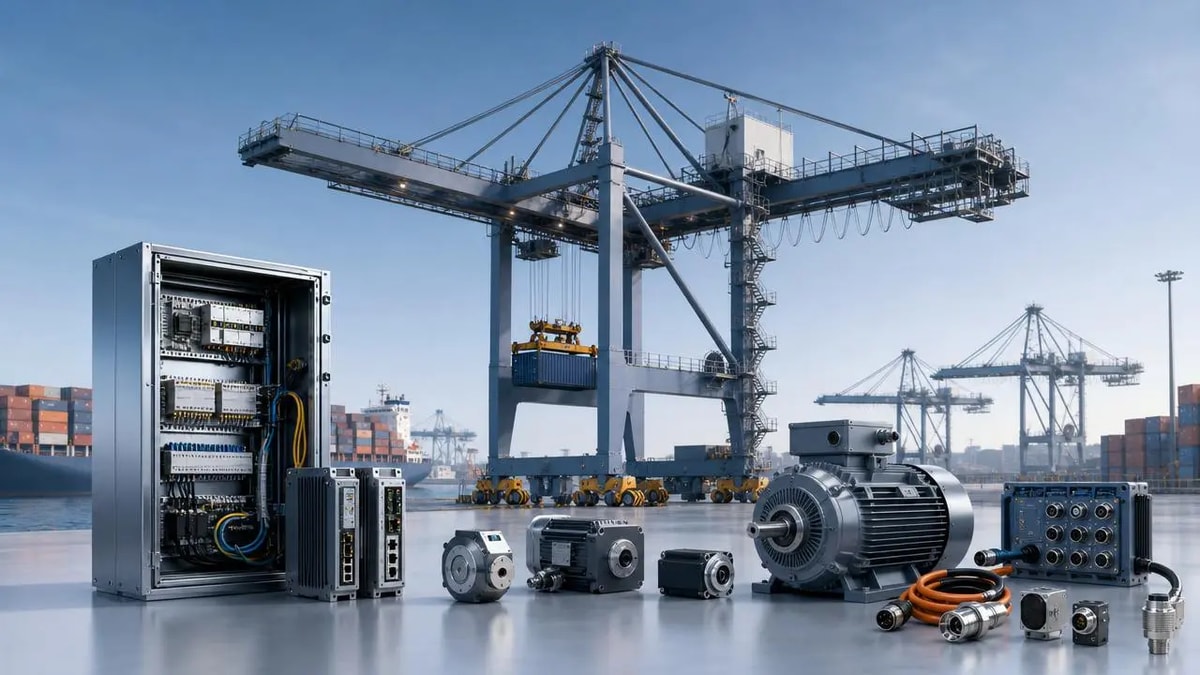
Port equipment automation maintenance starts with early detection. Learn how to catch sensor, drive, PLC, and network issues before they cause costly downtime and delays.
Marine Logistics Technology Suppliers: What Sets Them Apart
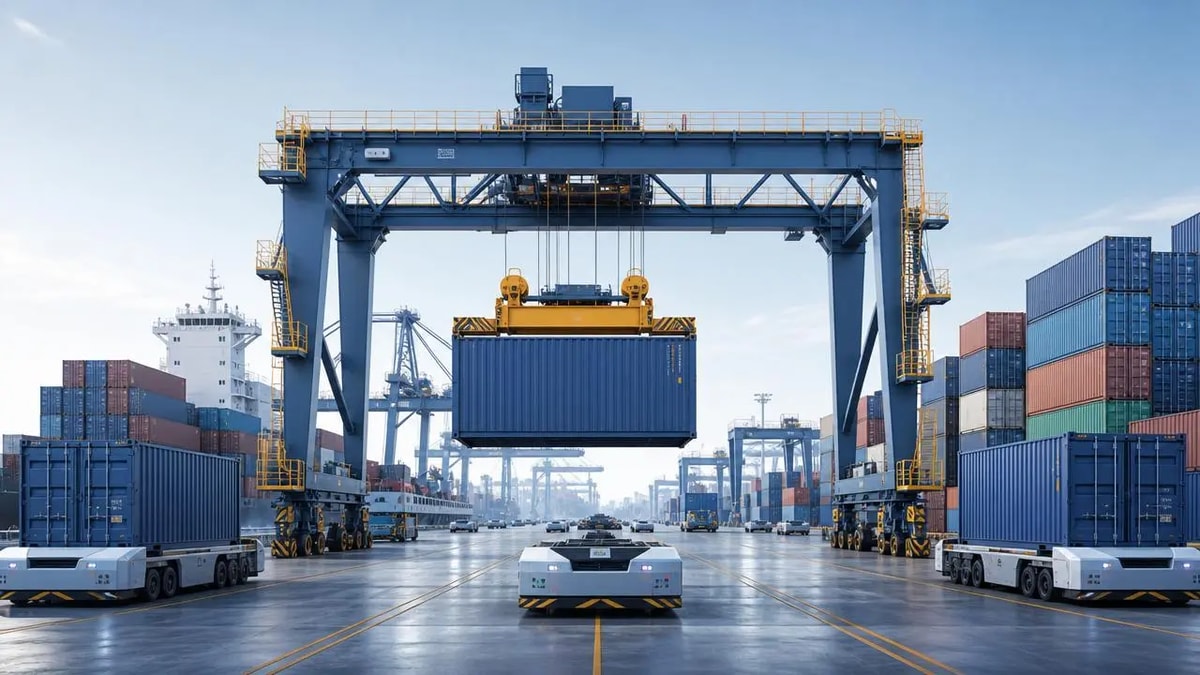
Marine logistics technology suppliers stand apart through automation, integration, and lifecycle support. Discover what helps ports and channel partners choose future-ready solutions.
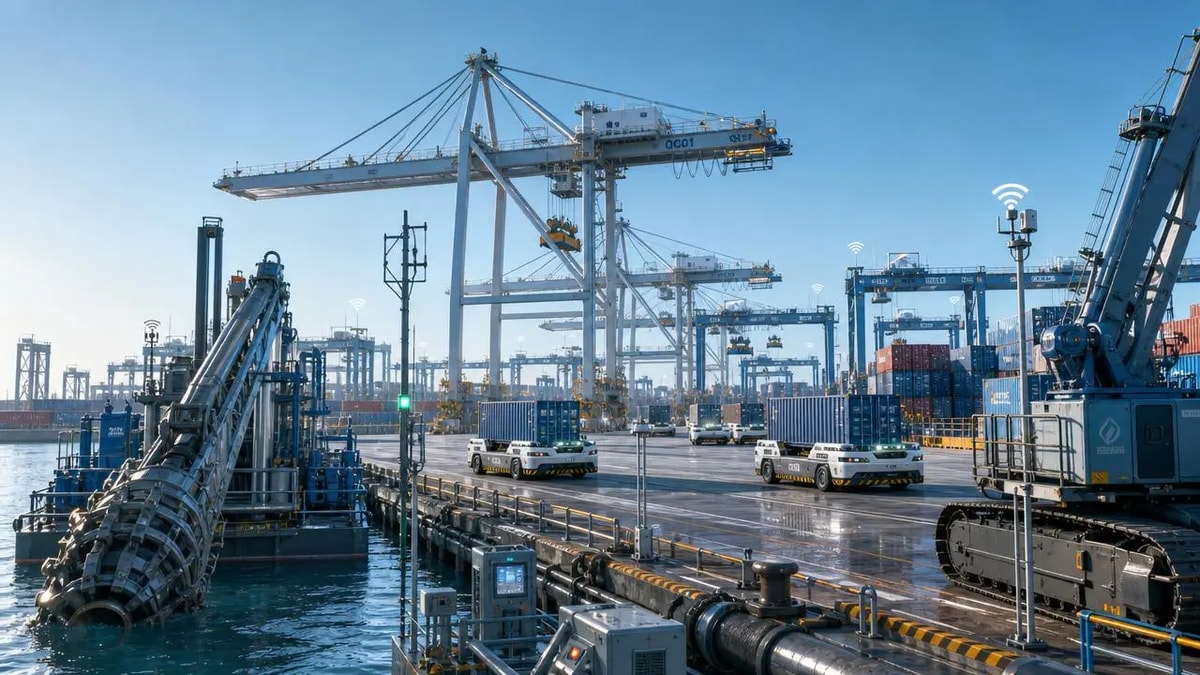
Port Technology Trends Worth Watching Before Your Next Upgrade
Port technology trends shape smarter upgrade decisions. Explore automation, remote crane control, predictive maintenance, and phased investment strategies to reduce risk and improve ROI.
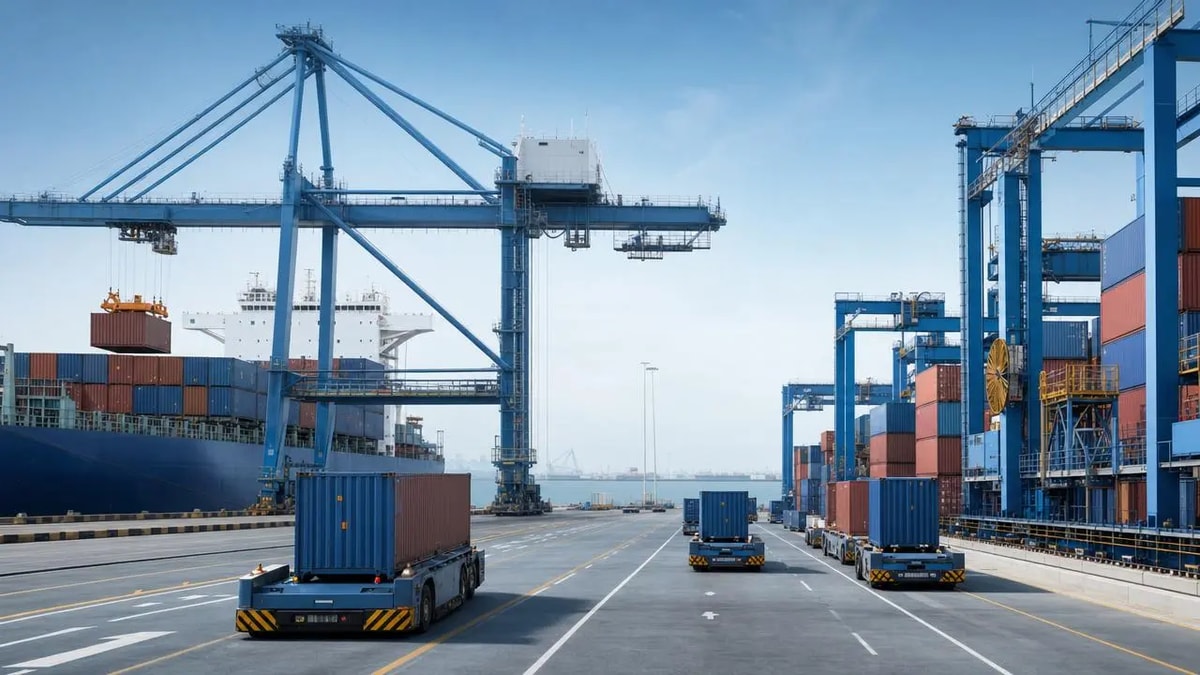
Automated Port Systems: Common Integration Problems to Expect
Automated port systems face real integration hurdles—from legacy equipment and data mismatches to network latency and safety conflicts. Learn what to check before approval.
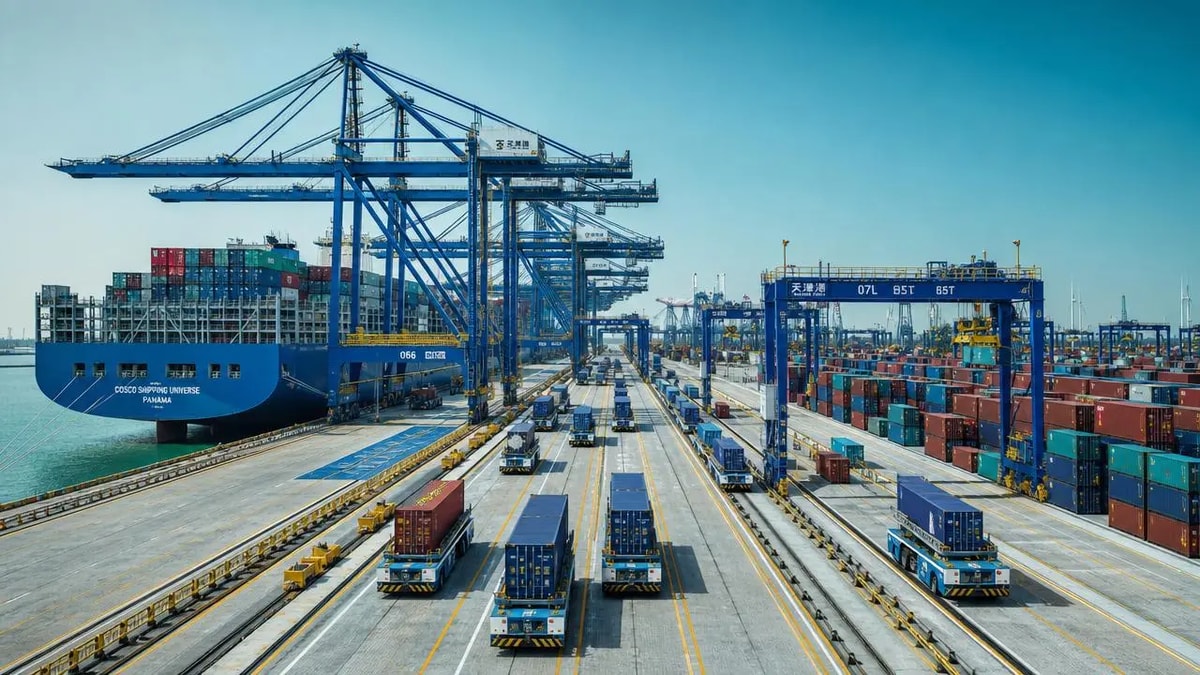
Smart Terminal Technology Trends Changing Port Operations
Smart terminal technology is reshaping port operations with AI, automation, predictive maintenance, and electrification. Discover which trends deliver the best ROI for different terminal scenarios.
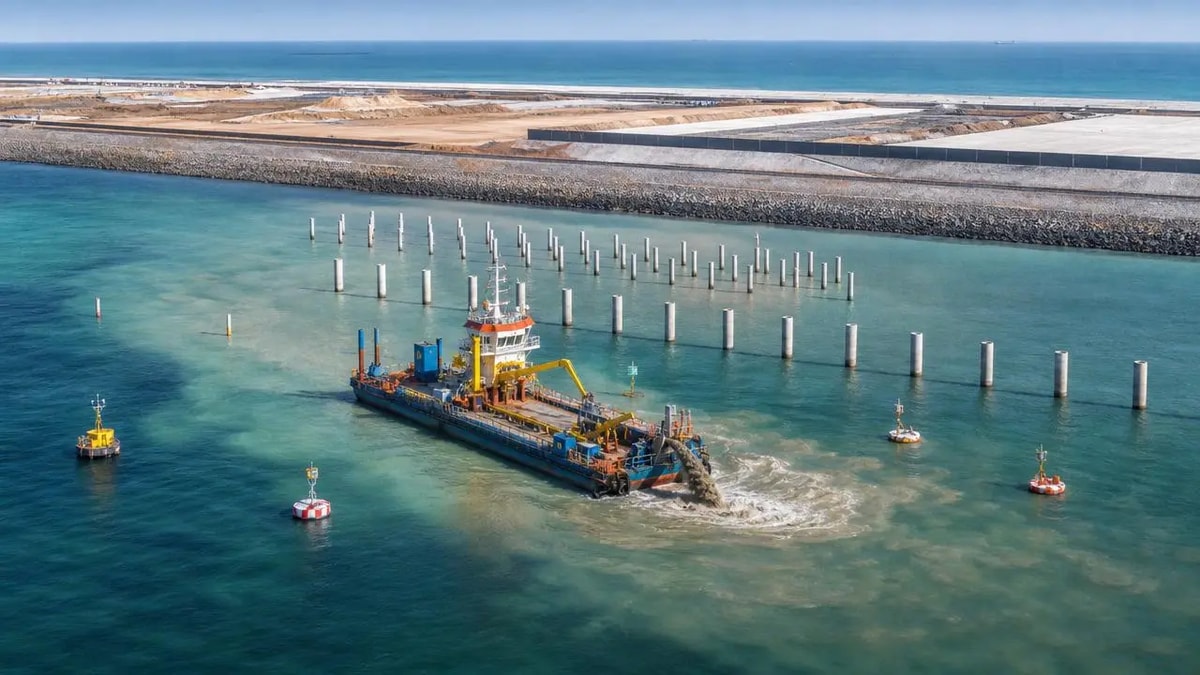
Marine Geotechnic Risks That Can Delay Coastal Projects
Marine geotechnic risks can quietly derail coastal projects with delays, rework, and compliance issues. Learn the warning signs and practical controls to protect schedule, safety, and budget.
What to Compare Before Choosing Port Logistics Solutions
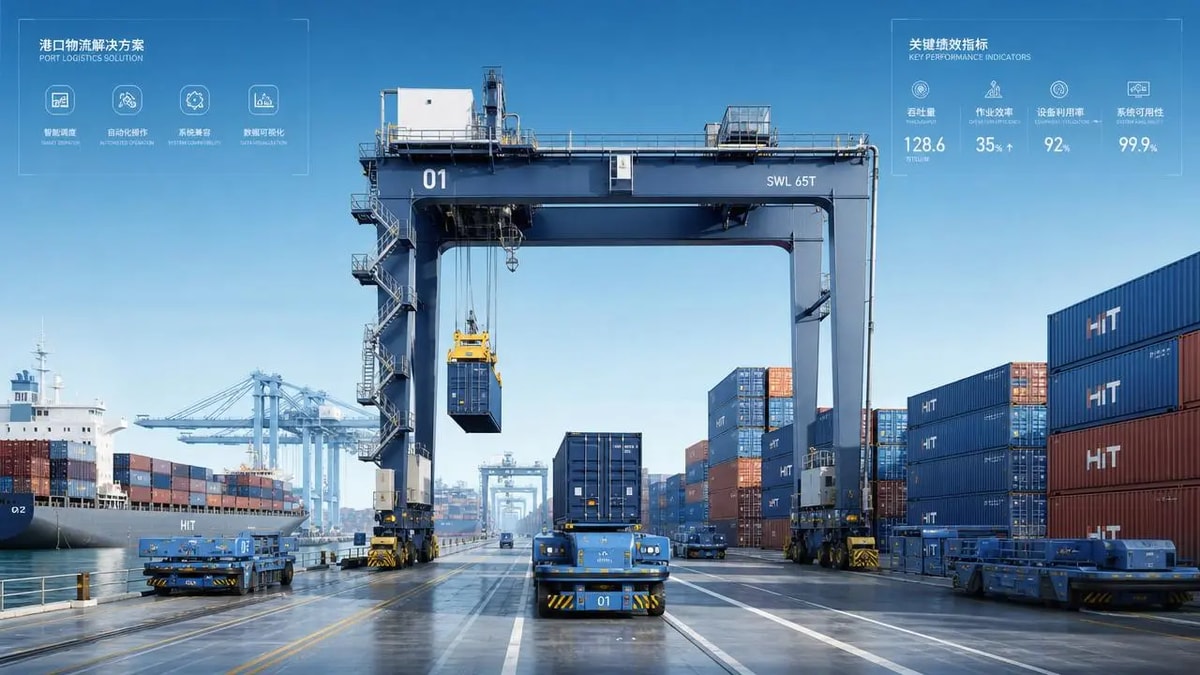
Port logistics solutions comparison guide: learn what to assess on throughput, compatibility, scalability, lifecycle cost, and automation readiness before choosing the right system.
Port Terminal Equipment Costs Are Shifting in 2026
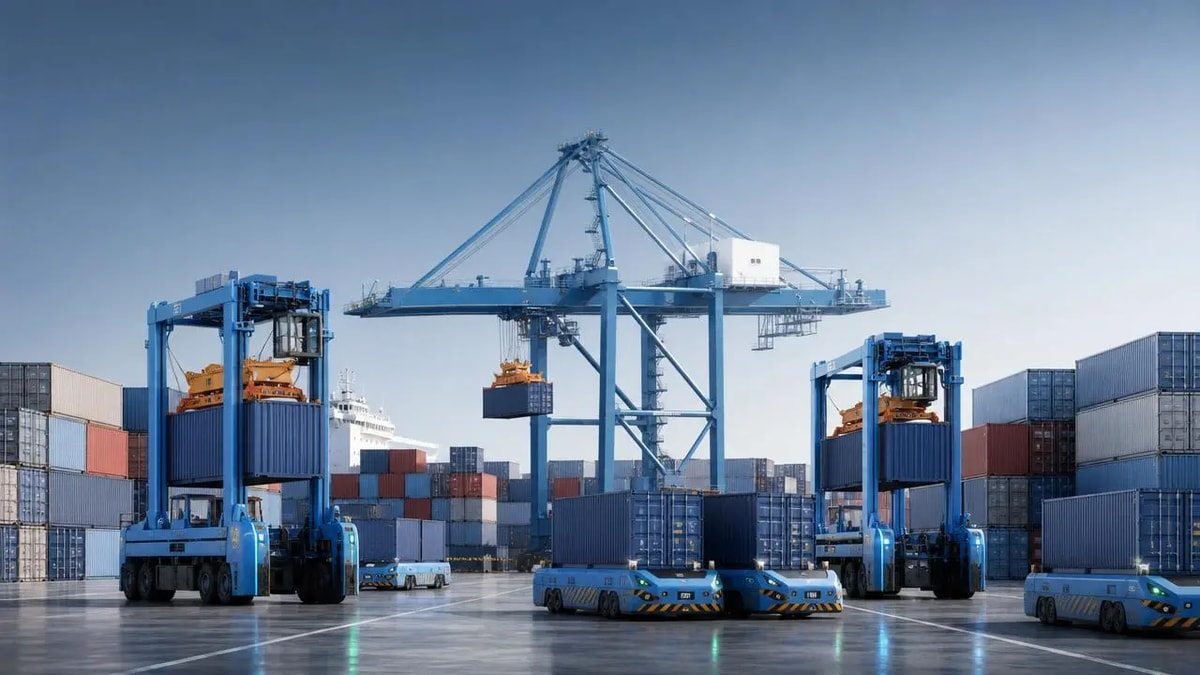
Port terminal equipment costs are shifting in 2026. Learn how automation, electrification, financing, and compliance reshape TCO, ROI, and smarter terminal investment decisions.
Heavy Machinery Logistics: Where Delays Usually Start
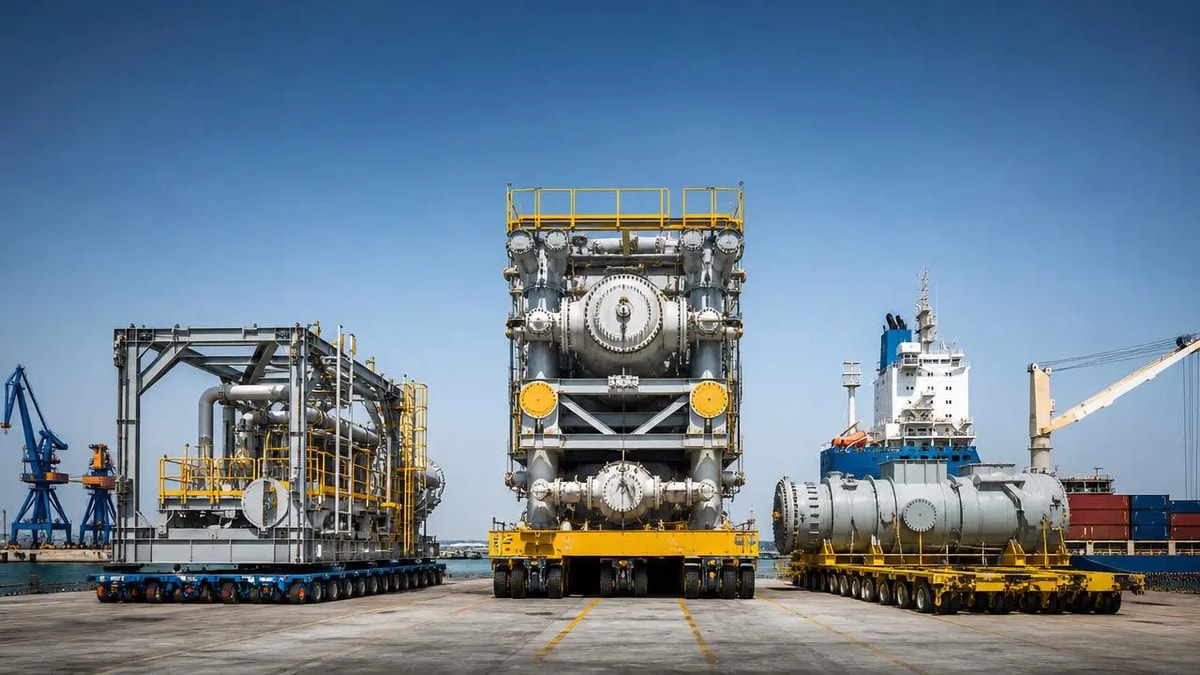
Heavy machinery logistics delays often start long before cargo moves. Learn the hidden trigger points, cut project risk, and protect budget, timing, and port-side execution.